

When you’re looking for a specific phrase or word on a web page, the last thing you want to do is go through the entire page for that word. Searching for a word on a web page is a great way to save time.
In this article, you’ll find instructions on how to search for words on a WebView in React Native.
How to Search for a Word Using a Web Browser
If you want to search for a specific word in a web browser, you can perform this task using your keyboard shortcuts. To access your search shortcuts, here’s what you need to do:
- Go to the web page you want to search through.
- Use the Control + F keywords on your PC, or Command + F on Mac.
- The find bar will show up in the top-right corner or at the bottom of your screen.
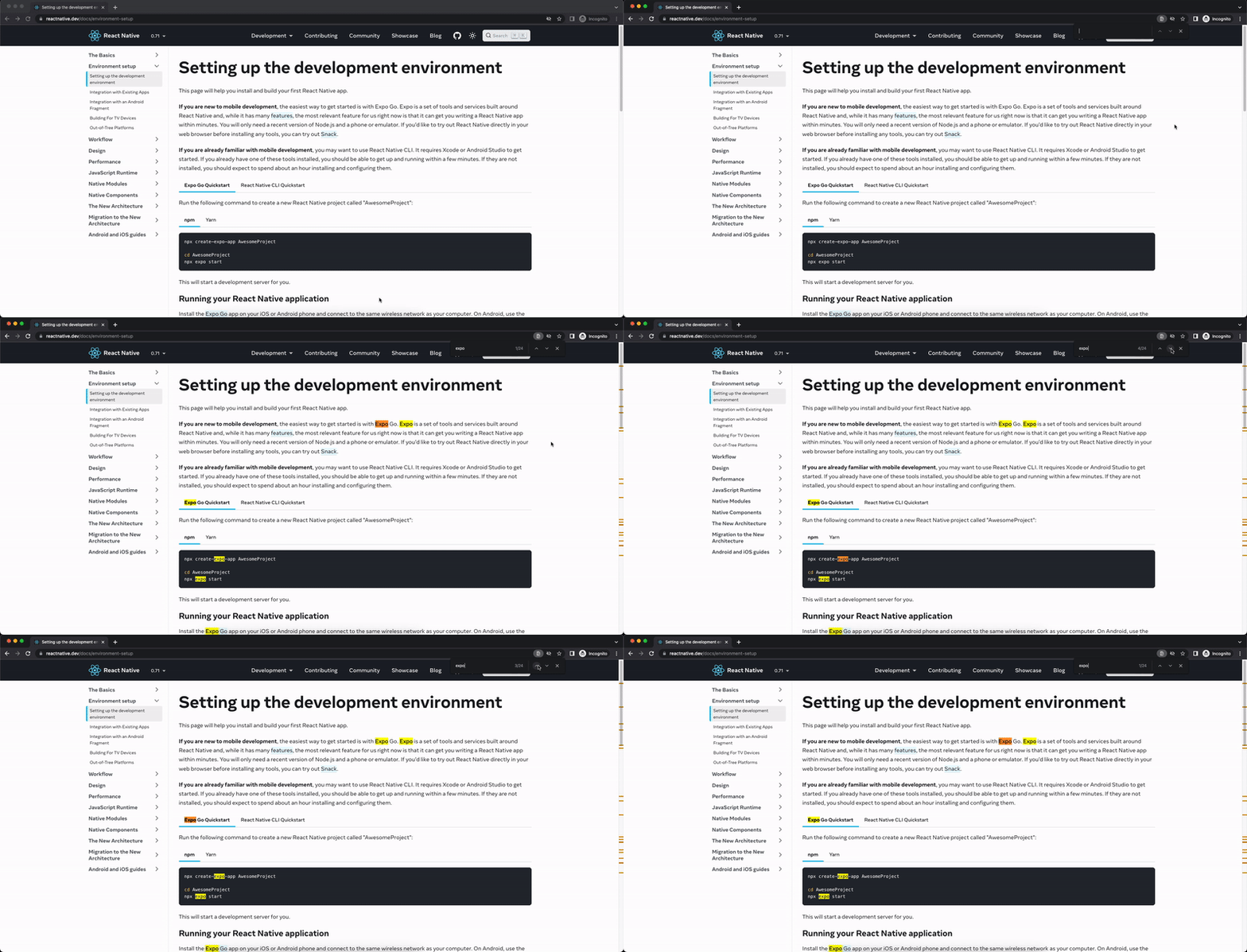
4. Enter the word you want to search for, and the word will be highlighted across the web page.
Searching for a Word in React Native’s WebView
First, you must know that web view is not a component inside the react-native core, so we need to install the package.
npm install react-native-webview
After that, we can use the web-view
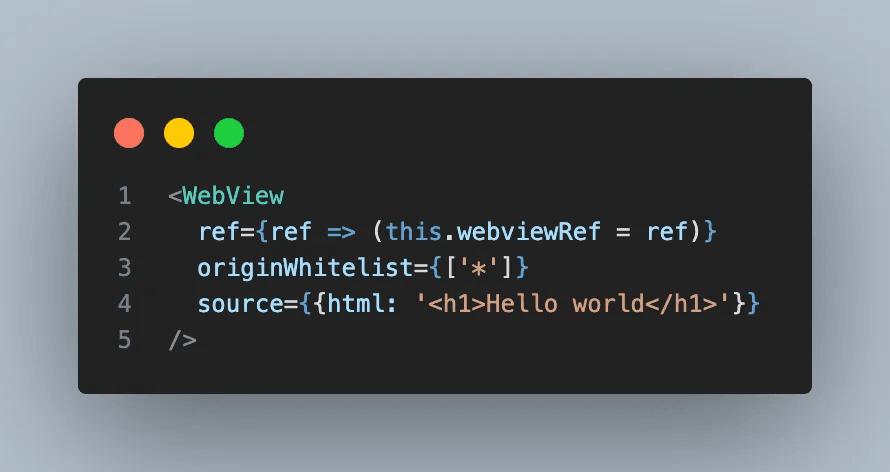
if you ever work with native Android web view then you will find it is very easy to integrate Search Functionality. The native Android WebView offers built-in functions like findall() and findnext() that make integrating search features a breeze.
But if you look into the react-native-webview API documentation then you’ll find there are no props, no API, or no built-in functions that help you to integrate such functionality.
So, How can we achieve this? 🤔
Are there any other properties or functions we can use to achieve this?
The answer is Yes, we can use injectJavaScript Method to implement this functionality.
Ok, now we have a way to achieve this, but what about the bridge or support that carries out the search and highlights the keyword functionality in the webView?
In this case, we’re using mark.js script, which helps us search for specific words and highlight them.
Okay, now that our roadmap is prepared, let’s explore the essential functions and their functionality.
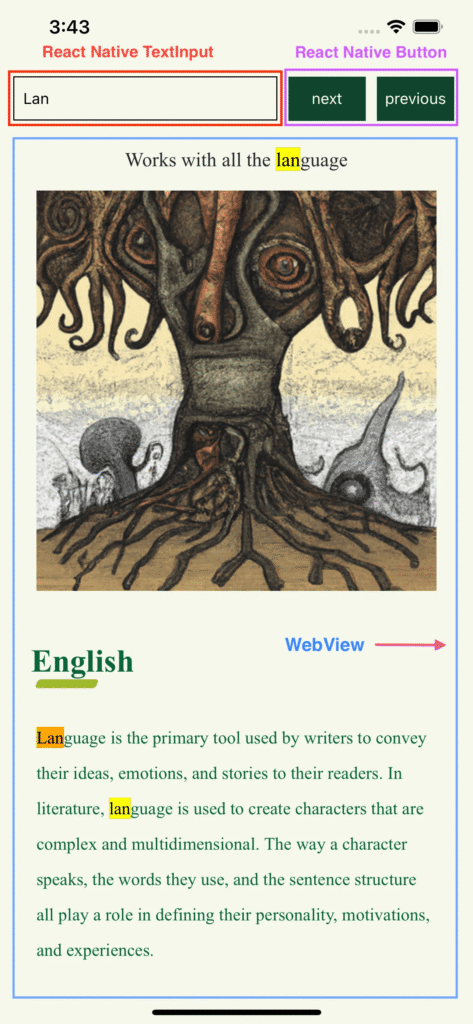
There are 3 major functions that are used to implement the functionality
- searchKeyword — triggered by the onChangeText event on React Native TextInput.

2. focusNext and focusPrevious — activated when the next and previous buttons are pressed.

3. jumpTo — triggered when the next and previous buttons are pressed to highlight the major next and previous keywords.
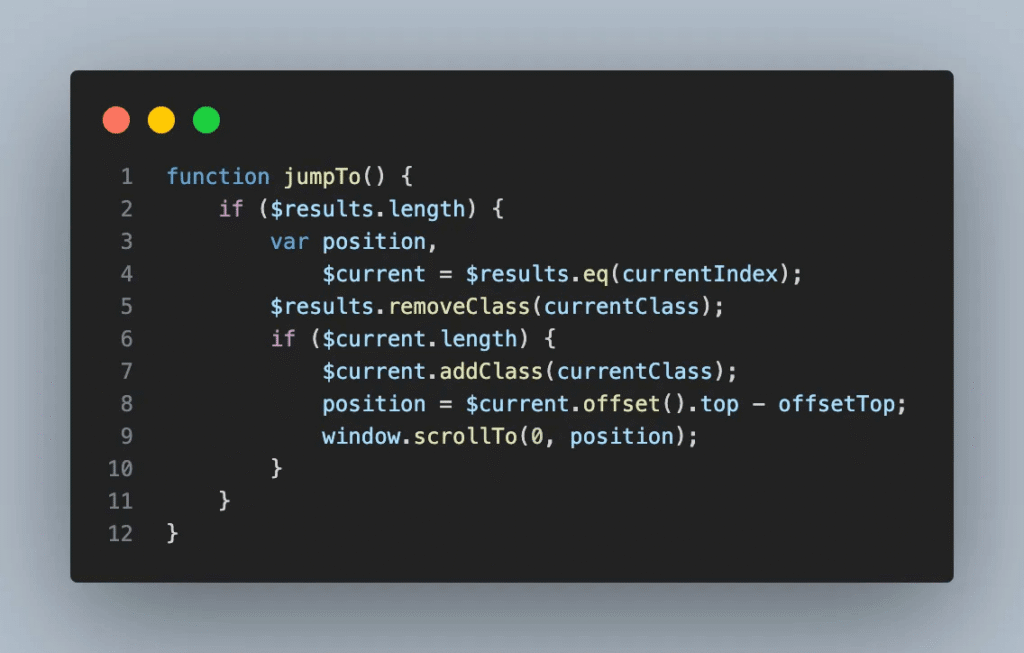
Well, that’s it. 🎉 Run the code to see it in action.🥳
Output
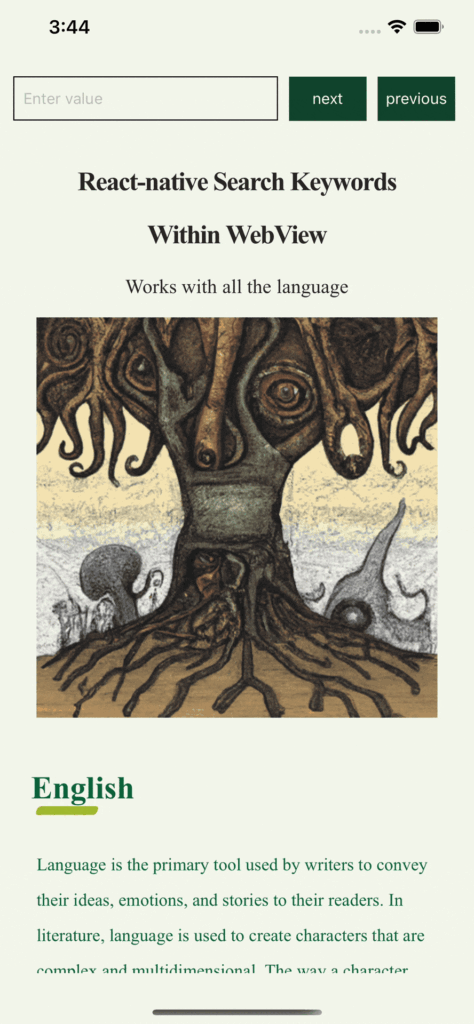
Please check out this sample project on GitHub for more information
I hope this article has brought some new knowledge your way today. If you found it enjoyable and helpful, please don’t hesitate to leave a comment with your feedback.
Post Tags :
Share :


Get Started
Get Your Quote Today!
Tell us about your project and discover how our experts can help you achieve your goals through digital transformation.